Offline document scanner
PageSnap turns your phone into a scanner for pages, ID cards, and passports. Capture, text recognition, and export all run on the device, so your documents stay yours. No account, no analytics, nothing sent to us.
Android 7.0 and up / works offline / no account
01 / Capture modes
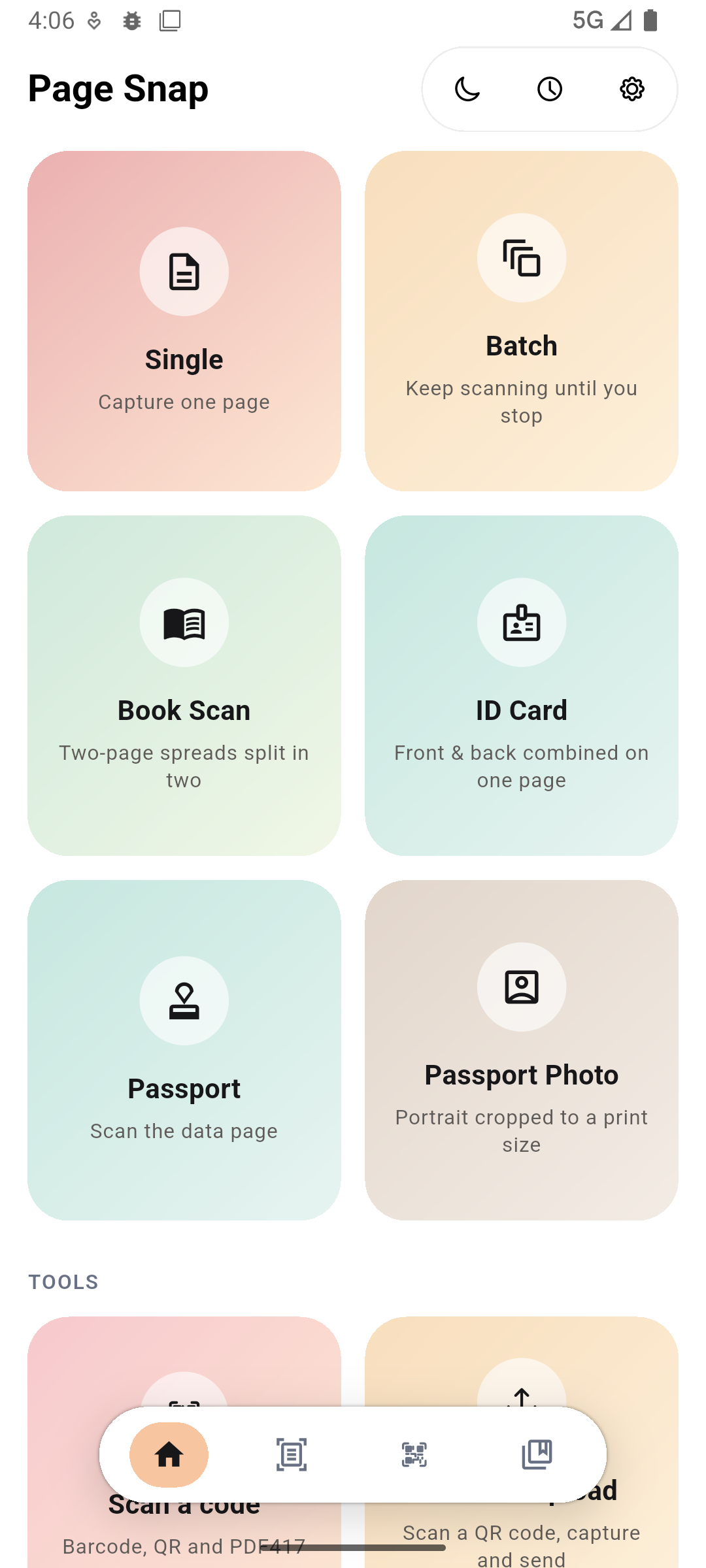
Six capture flows, each tuned to what it scans. The native scanner detects the edges, straightens the page, and hands you a clean result.
Single
Capture one page
Batch
Capture several pages in one pass, reorder them later
Book Scan
Two-page spreads split into two pages and re-fitted to the page edges
ID Card
Front and back, combined on one page
Passport
Scan the data page
Passport Photo
Crop to a print size, straighten it, and put it on a white background
02 / After the capture
The scan lands in a review screen first, so ordinary fixes never need another app.
Review and clean up
Rotate, reorder, rename, add pages, or drop pages before you export
Text recognition
Pull the text out of any saved page with ML Kit or Tesseract. The result is saved with the scan
Export
One PDF for a batch, or JPG and PNG for single pages. Save it, or hand it to any app on your phone
Library
Every scan stays on the device, with its mode, page count, and date
03 / Inside the app
Six capture modes, a library that keeps everything on the device, review tools, PC sync, and the dark theme.
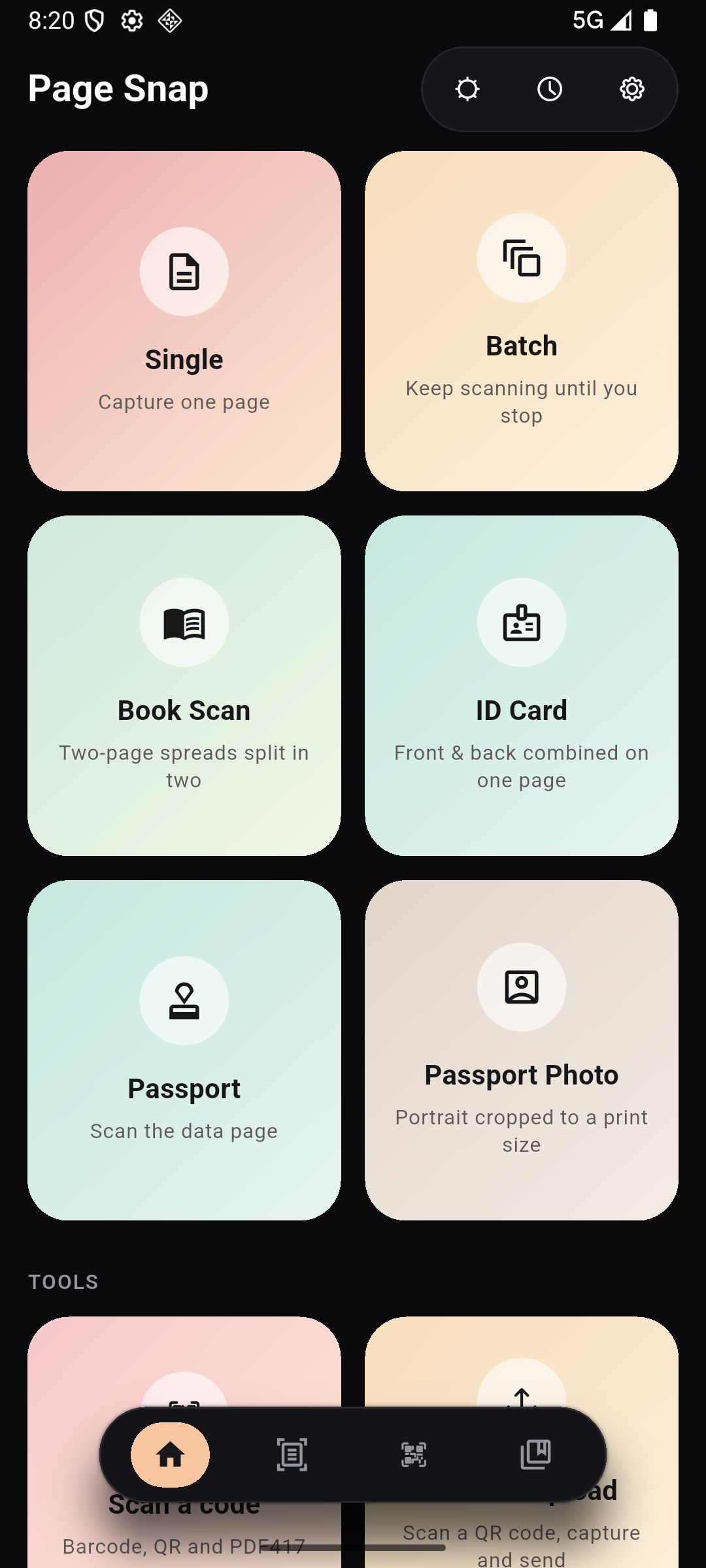
Dark and light
Both themes
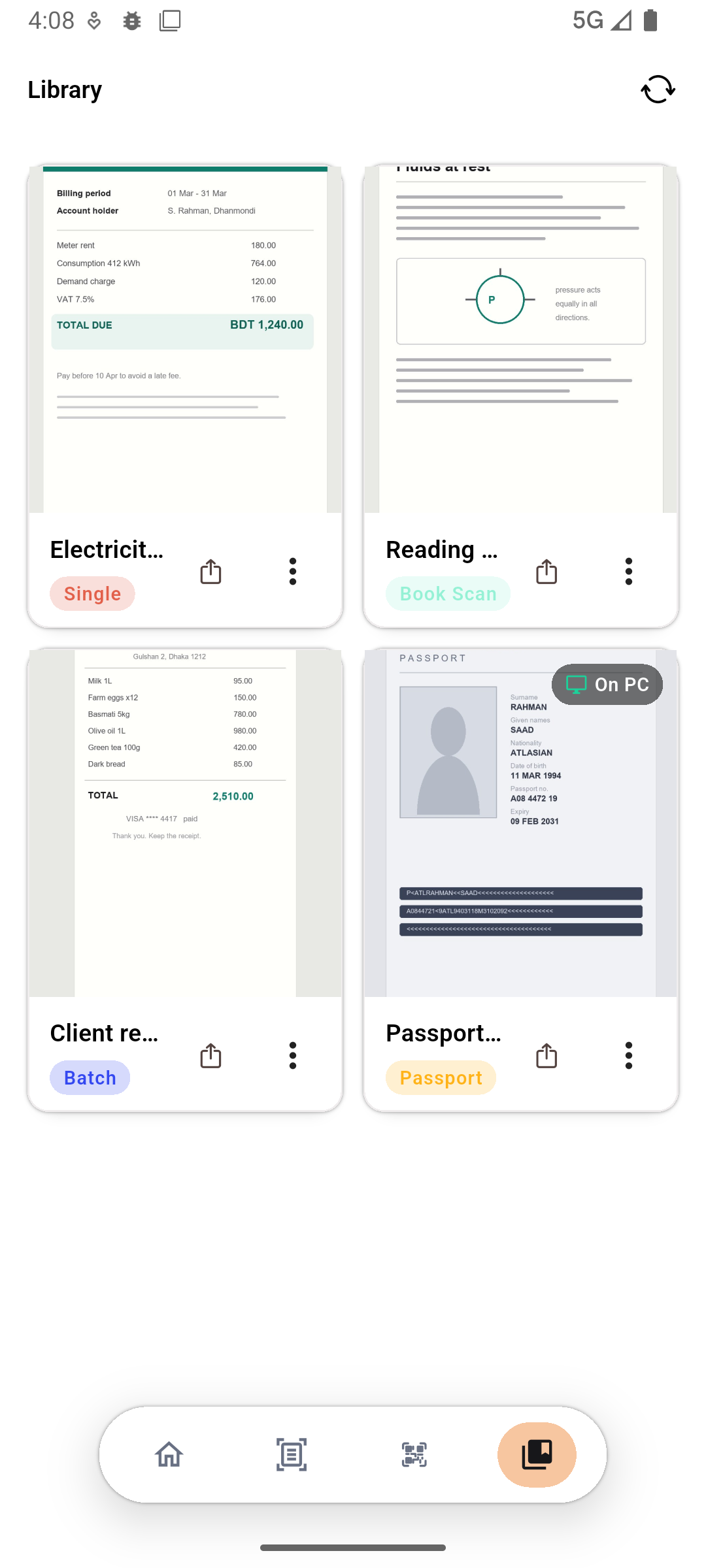
A local library
Library
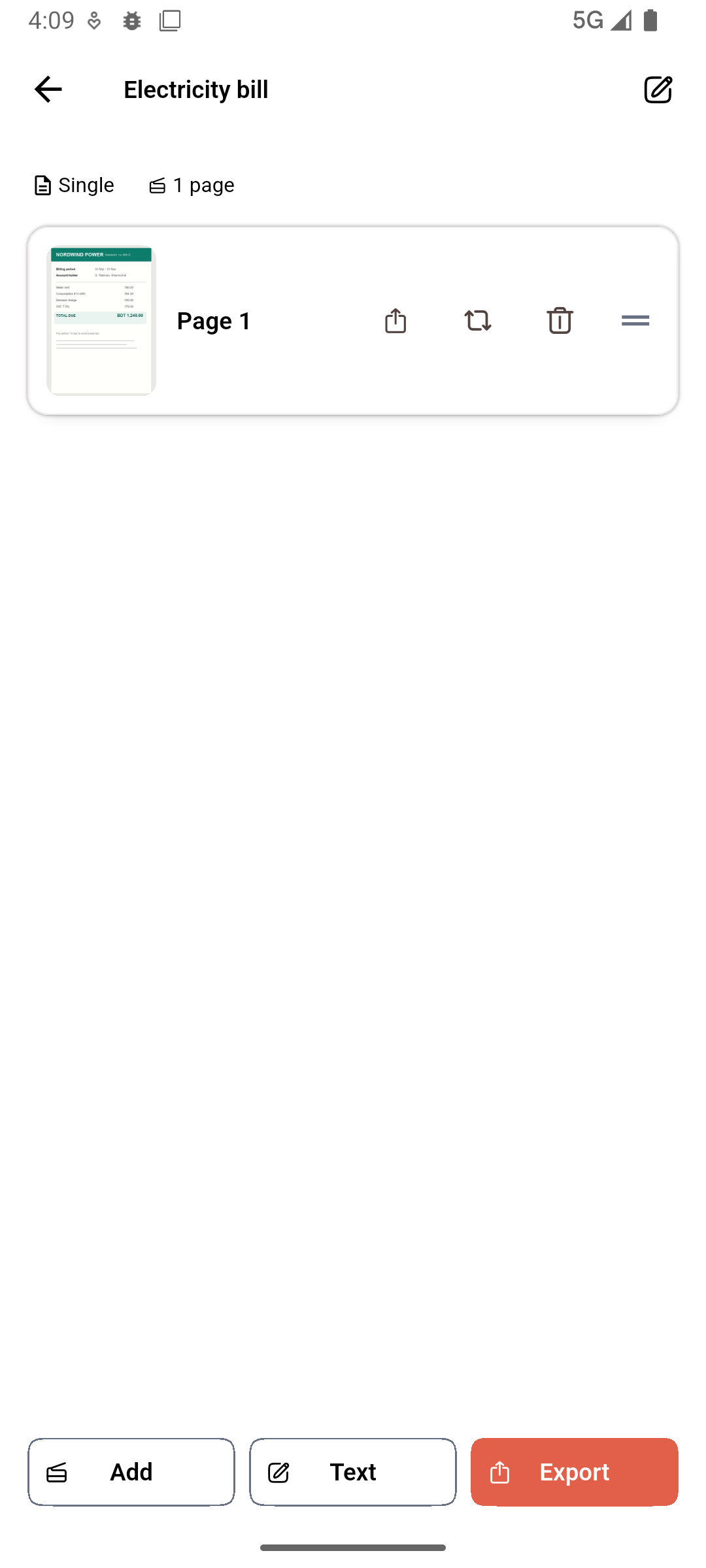
Fix pages before export
Review
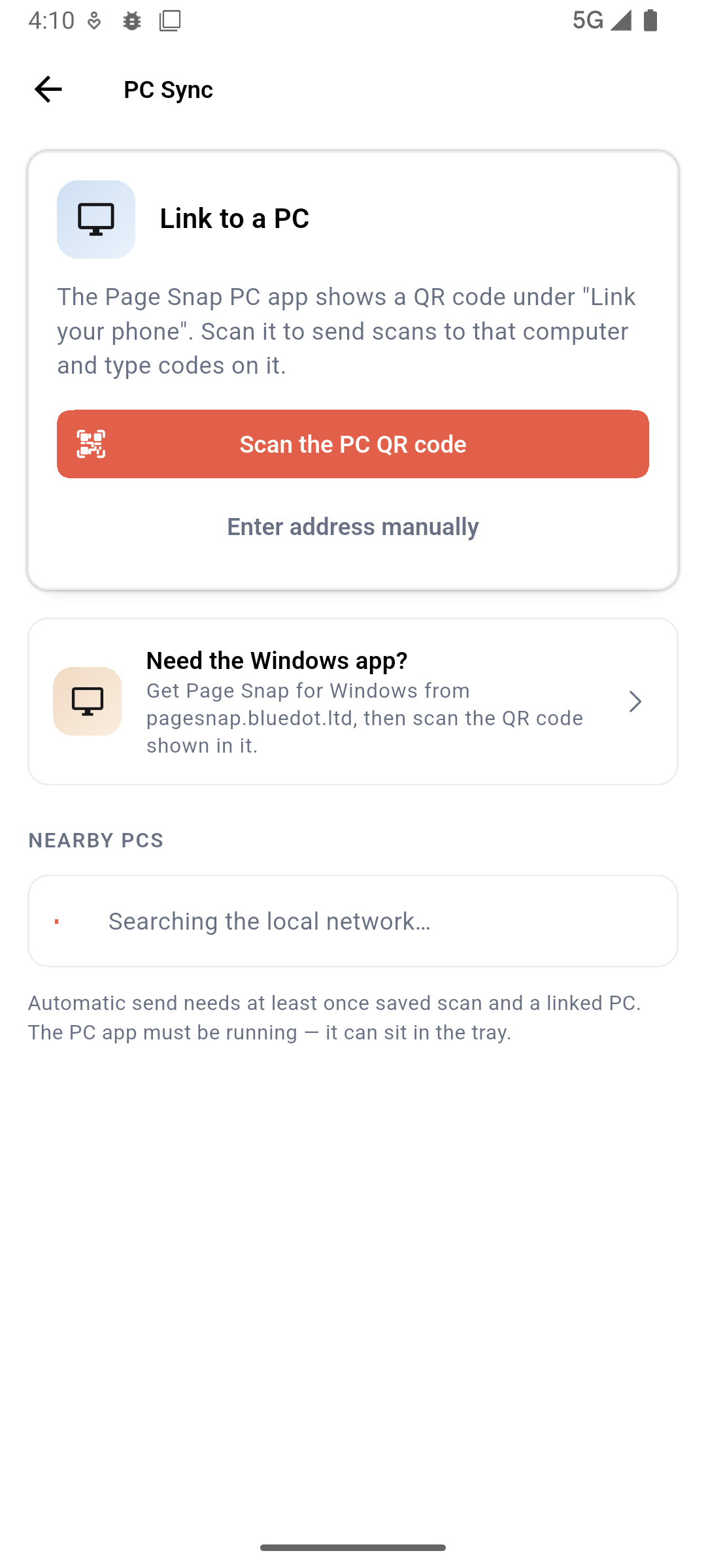
Pair with your PC
PC Sync
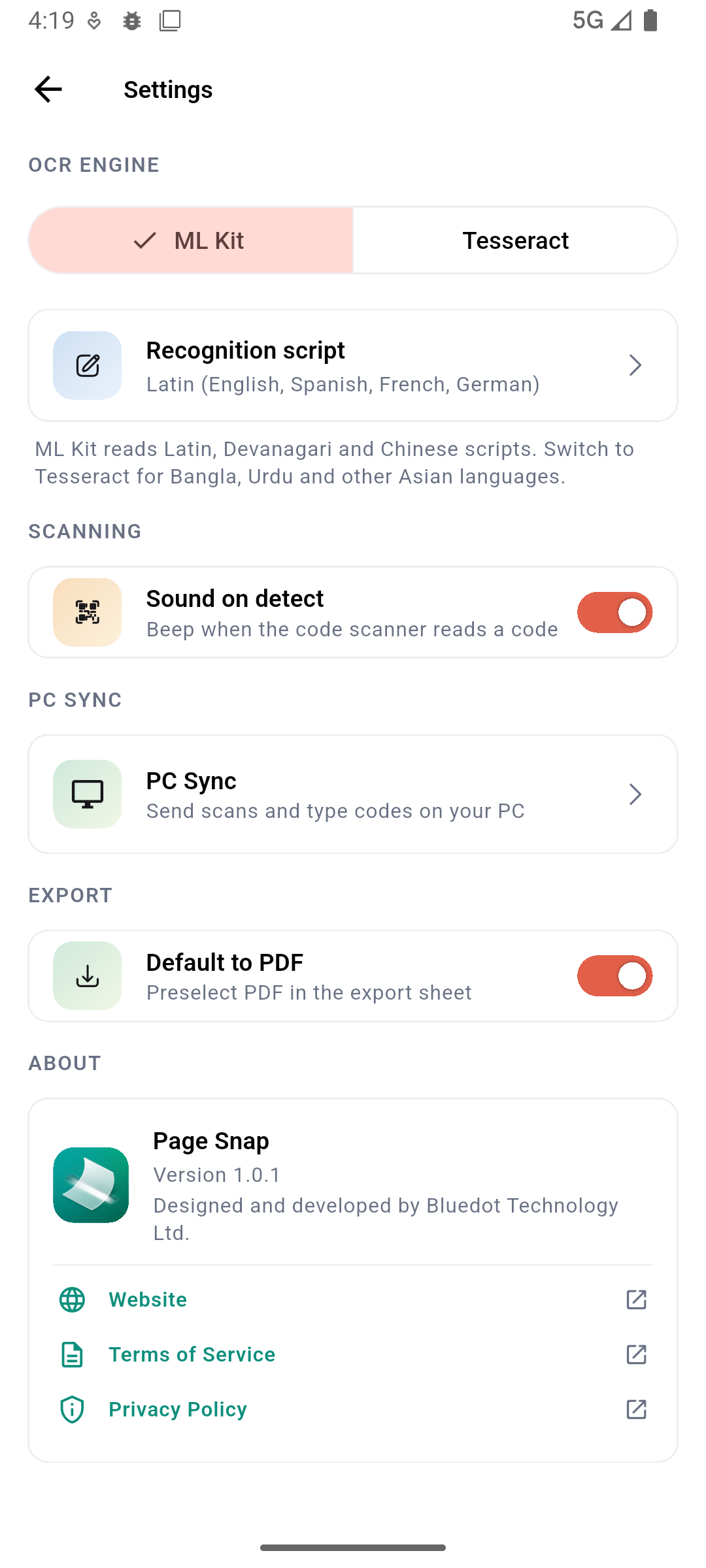
OCR and languages
Settings
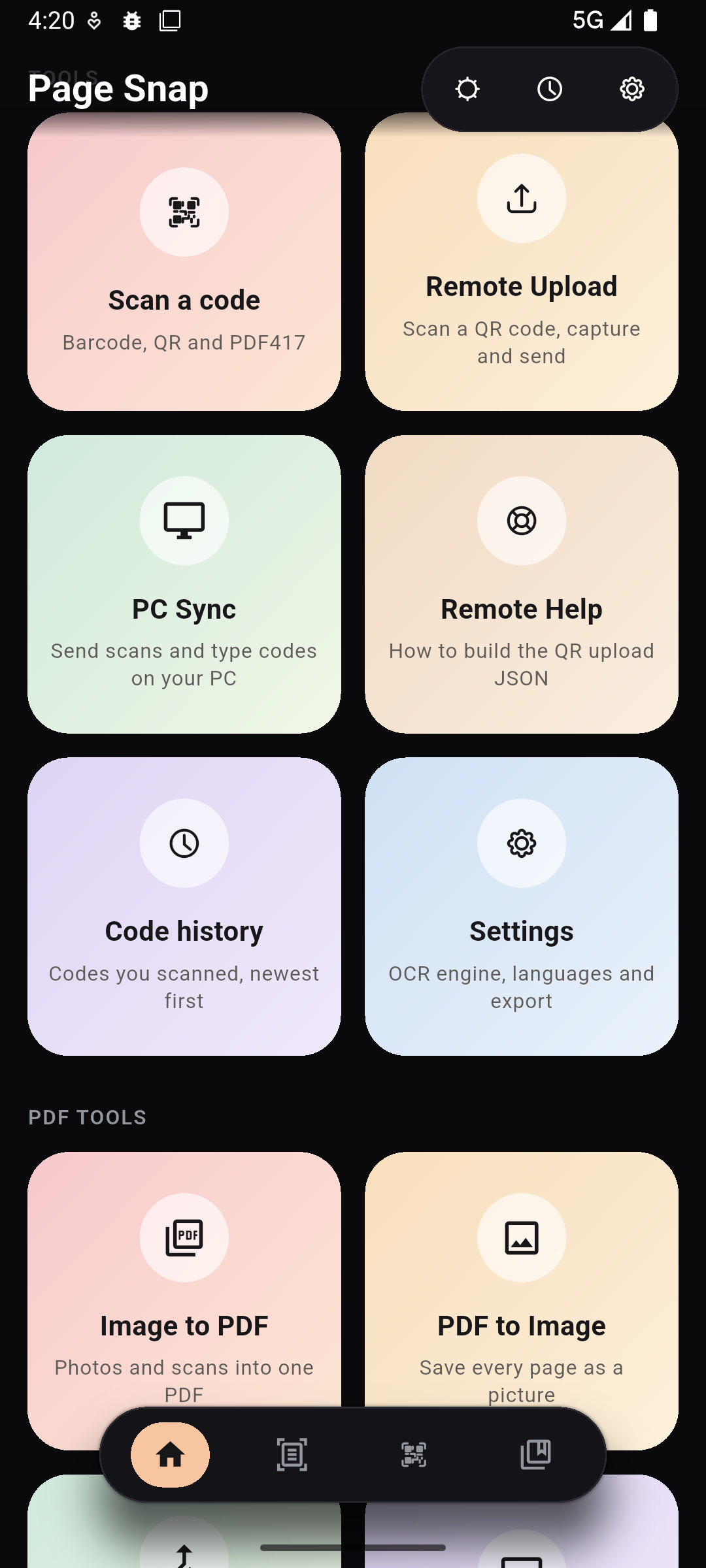
Tools in dark mode
Home / dark
04 / Windows app
Page Snap for Windows is a free companion app. Phone and PC find each other on your own Wi-Fi, and scans move straight between them. No cloud, no account, nothing in the middle.
Scans land in a folder
Every new scan arrives as a PDF or image in the folder you pick. The phone's Library marks the ones that made it
Barcode to PC
Scan a barcode or QR code and the text is typed into whatever is focused on your computer
Pairs over your network
Link the two once with the code from the Windows app, or type its address on the phone
05 / Remote upload
Your server puts the upload details into a QR code. Scan it from Remote Upload in the app, and PageSnap captures what the instruction asks for and posts it straight to that address.
Important
A remote upload goes straight from your phone to the destination written in the QR code. That destination is run by you or another service, so its own terms of service and privacy policy apply to the files it receives. We do not run it and bear no responsibility for it. Only scan codes you trust.
[
  {
    "name": "Office scans",
    "type": "document",
    "format": "pdf",
    "url": "https://api.example.com/upload",
    "headers": ["Authorization: Bearer <token>"],
    "params": { "id": "case-123" }
  }
]
The same shape the in app Remote Help screen documents. The full field reference lives in the QR JSON guide.
06 / Privacy
We do not collect, store, or share any information from the app. No accounts, no analytics, no crash reports, and no servers holding your documents. If ads are added to a future version, they are plain ads: no information from the app is shared with ad services. Scans and recognized text live in the app's private storage on your device.
The only time a file leaves your device is QR Remote Upload, and even then it goes straight from your phone to the destination in the code.
07 / Questions
In the app's private storage on your phone. Uninstalling PageSnap removes them, and we hold no copies anywhere.
Yes, and it is free. It receives scans over your local Wi-Fi and can type scanned barcodes into any app on your PC. It is on the Microsoft Store, and the link is in the Windows app section above.
No. ML Kit and Tesseract run on the device. Some optional Tesseract languages download once from public sources when you choose them, and work offline after that.
ML Kit covers Latin, Devanagari (which also reads Bangla), and Chinese. Tesseract ships with English and Bengali, plus more languages you can download from the settings screen.
The file goes straight from your phone to the destination written in the QR code. That destination is run by you or another service, so its terms of service and privacy policy apply, and we bear no responsibility for it.
No account and no sign in. The app works offline from the first launch.
A future version may show ads, for example through Google AdSense. They stay separate from the scanner: no information from the app is shared with ad services.
Yes. A batch exports as a single PDF, or as separate JPG and PNG files.